Less tracking. More living.
A little less logging. A lot more living.
Snap a photo or describe your meal. Get a clearer picture of your nutrition, with calorie and macro goals that adapt as you go.
Free to use. AI your way.
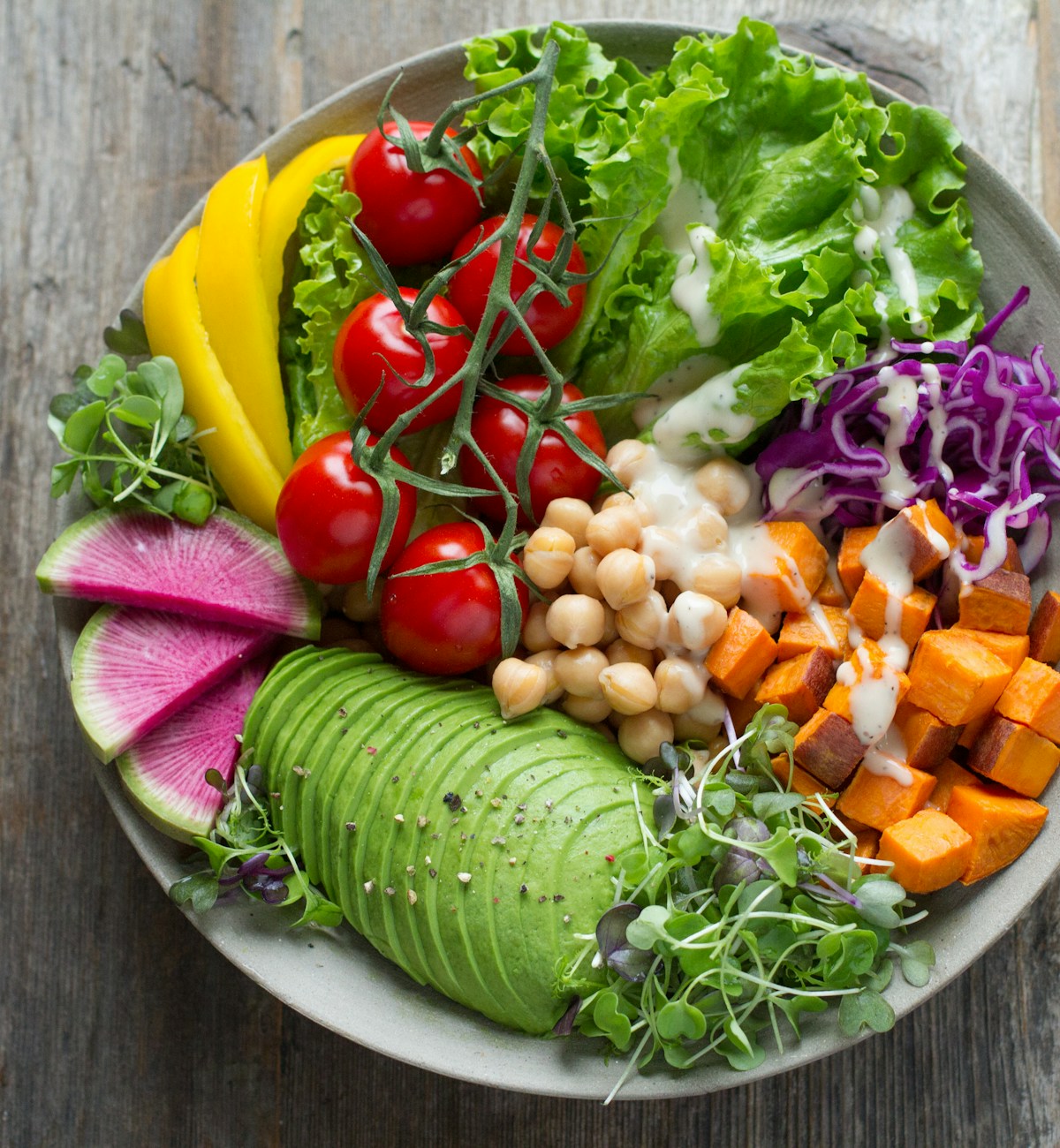
Lunch, logged.
Garden vegetable bowl
- Kcal
- 520
- Protein
- 24g
- Carbs
- 62g
- Fat
- 20g
Sample preview — not an analysis of this photo.
How it works
Your meal. A moment. Logged.
A photo or a few words gets you started. Review the portions, check your nutrition, and get on with your day.
- 01
Snap it or say it
Take a photo of your plate, or just type what you ate. Either one is enough to get started.
- 02
Ground it in real data
Foods are matched to USDA FoodData Central where available, with nutrients scaled to your portions. No match? AI estimates fill the gaps. You can review and edit either way.
- 03
See where you stand
See your daily calories and macros alongside your targets. Just the context you need to make your next choice.
A plan that learns
Your goals should move with you.
Smart goal adjustments use your weight trend and logged intake to refine your calorie target. Follow the bigger picture, not a single day on the scale — whether you're losing, maintaining, or gaining weight.
The trend, not the noise
Illustrative weight trend.
Built to be quick
Fits your day. Not the other way around.
A fast progressive web app (PWA) that feels at home on your home screen. Save photos and meal descriptions on your device when you're offline, then send them when your connection returns. Simple weigh-ins and clear nutrition goals, without crowded dashboards.
To install: in Chrome, open the browser menu and choose “Install app” or “Add to Home screen”. On iPhone or iPad, open Food Log in Safari, tap Share, then “Add to Home Screen”. You can also install later from Settings.
Pricing
Simple tracking. Simple pricing.
Track for free. Add AI analysis whenever you want it, with your own key or ours.
Free
$0
- Food and weight tracking
- Calorie and macro goals
- Smart goal adjustments
- AI with your own OpenRouter key (BYOK). Provider usage billed separately.
Food Log + AI
$5/ month
- Everything in Free
- Photo and text AI analysis included — no key or setup needed
Frequently asked questions
Do I need a subscription?
No — food and weight tracking, calorie and macro goals, and smart adjustments are free. AI analysis works either way: bring your own OpenRouter key (its usage is billed by them, separately), or add the $5/month plan to use ours with nothing to set up.
How does AI estimate my meals?
From a photo or a text description, it estimates the items and portions, then matches each one to real nutrition data where it can find a good match. It's an estimate either way — give it a quick look before relying on it, and adjust anything that's off.
Can I use it on my phone?
Yes — add Food Log to your home screen from your browser's menu. After signing in online once, you can save photos and descriptions even offline. Keep the app open, or reopen it when connected, to send pending meals. AI analysis, saved history, and weigh-ins need an internet connection.